
 English
Google Unveils “Faster” Image Search
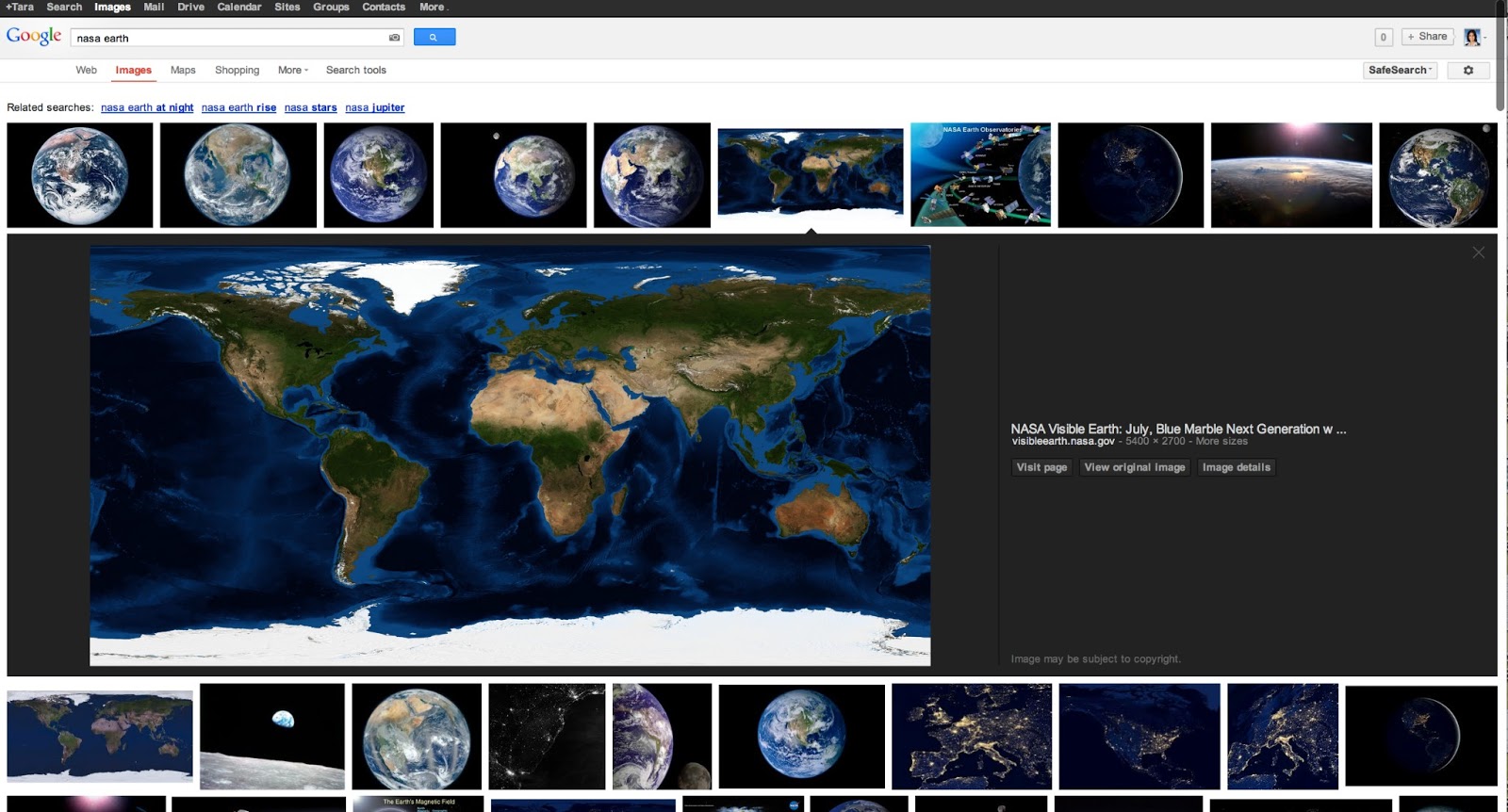
Google has re-designed its image search, in a try to get faster and better results.
The company has announced it last Wednesday.
In the next few days, images searched in Google Images, will be displayed in an inline panel so that users can quickly flip through then using their keyboard.
"Based on feedback from users and webmasters, we redesigned Google Images to provide a better search experience" – Hongyi Li, Google's associate product manager, wrote.
As a result, it will be "faster, more appellative and more reliable," he added.
With Google's updated image search, users will see one main image framed by a display of smaller images above and below. Something like the actual Google Image Search for mobile plataforms.
What's more, rather than getting sent to a separate landing page, users will see image metadata (or information) directly underneath the image. The title of the page hosting the image, the domain name it comes from and the image size will also be featured "much more prominently" next to the image, Li said.
Here’s what it means for webmasters:
- We now display detailed information about the image (the metadata) right underneath the image in the search results, instead of redirecting users to a separate landing page.
- We’re featuring some key information much more prominently next to the image: the title of the page hosting the image, the domain name it comes from, and the image size.
- The domain name is now clickable, and we also added a new button to visit the page the image is hosted on. This means that there are now four clickable targets to the source page instead of just two. In our tests, we’ve seen a net increase in the average click-through rate to the hosting website.
- The source page will no longer load up in an iframe in the background of the image detail view. This speeds up the experience for users, reduces the load on the source website’s servers, and improves the accuracy of webmaster metrics such as pageviews. As usual, image search query data is available in Top Search Queries in Webmaster Tools.
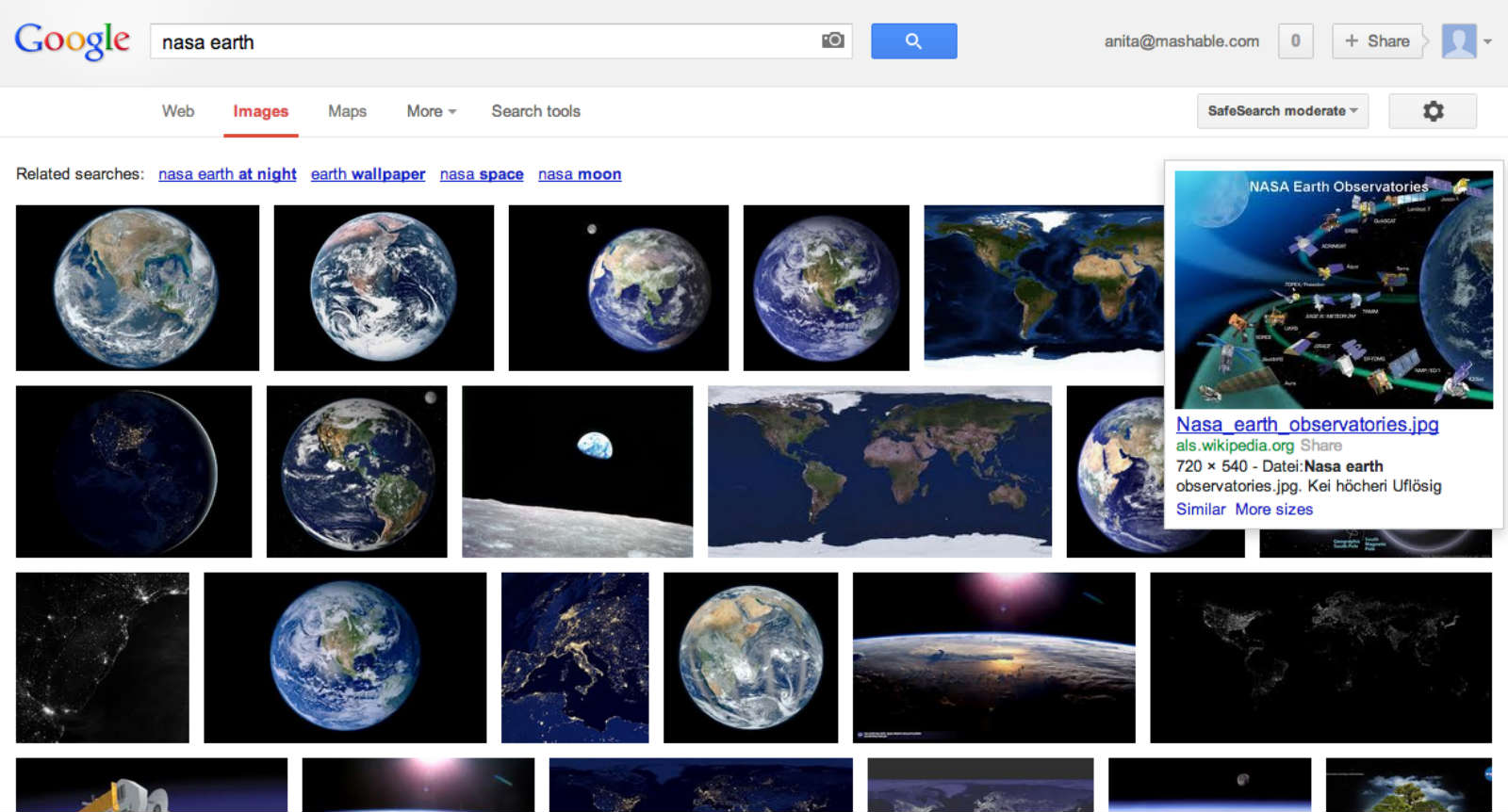
Google Images currently shows a grid of thumbnails. Users must hover their cursor over a photo to see the metadata. They must click on the image to enlarge it, and then click again to visit the host site.
Source: Mashable & Google Webmaster Center Blog


Leave a Reply