
 English
How to Export and Backup Your Instagram Photos
Instagram is the most used photo-sharing camera app used on iOS and Android based devices today, and you're probably one it's million users worldwide, taking amazing photos and sharing them online with your friends. What’s lacking in Instagram though is a storage option!

Of course, we can keep those photos on our computer by manually saving the photos over from the Instagram website and saving them locally. Or we could export all of our Instagram photos at once and keep them on our computer with Instaport.me. It's a web application that will backup all our Instagram photos in a single zipped file.
The Process
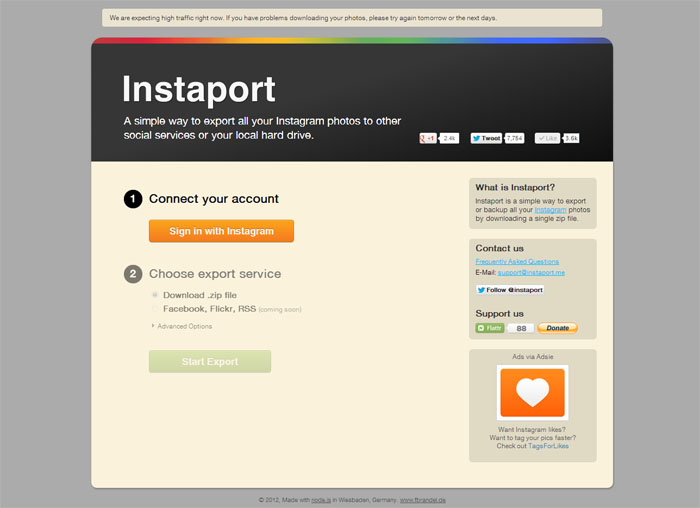
To export your Instagram photos and save them on your computer, go to the Instaport.me website, and sign in with your Instagram ID.
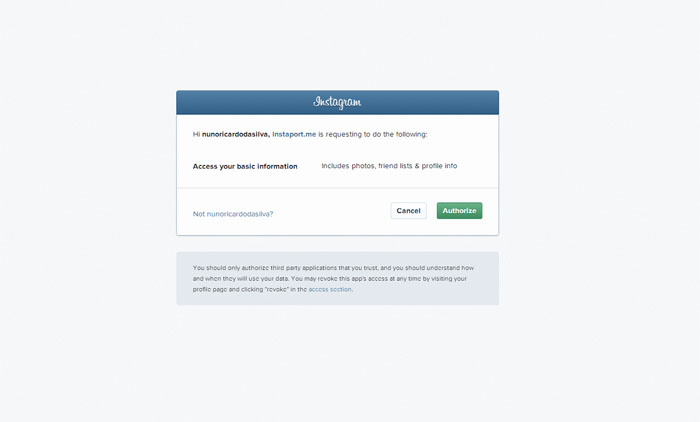
Then click ‘Yes’ to authorize Instaport’s access to Instagram to search for your photos.
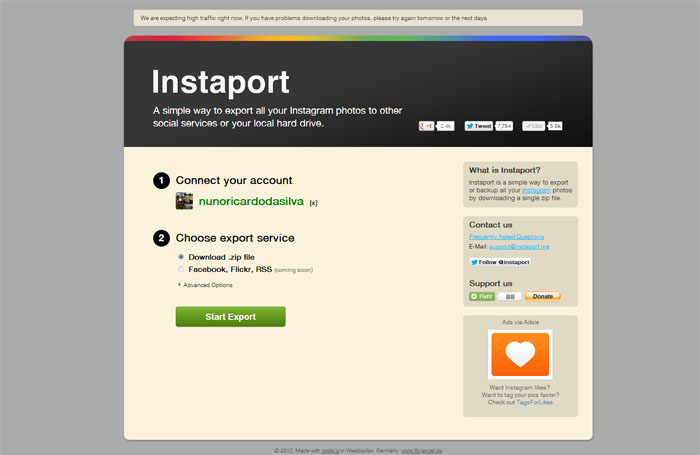
Once the access is granted, select ‘Download .zip file’, Facebook, Flickr and RSS options will be available soo, and choose to download, and then click the ‘Start Export’ button.
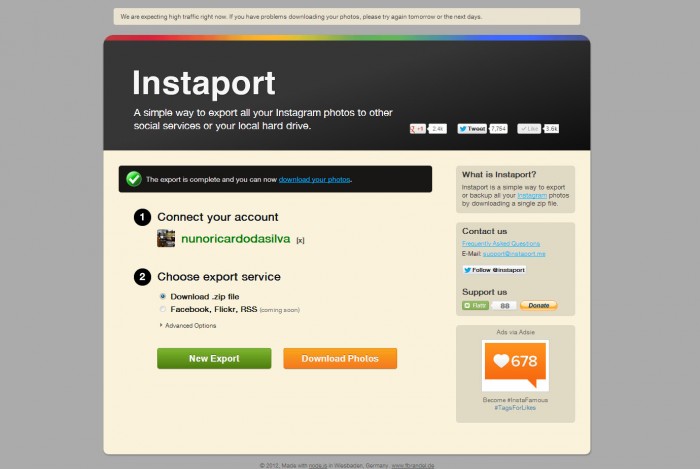
Instaport will start collect your photos; this may take some time depending on the number of photos on your Instagram account. Once completed, Instaport will provide you a download link, click on that link to download all of your Instagram photos into a single zip file.
Conclusion
I managed to download my photos without any issue,a nd it was very easy to do! Instaport makes it simpler to transfer all your photos and memories for safekeeping. This tip can be useful, especially if after the instagram privacy policy update you want to cancel your account and backup your photos first.


Leave a Reply