
 English
Hands-On With the New Google Maps – A Map That Gets Better With Use
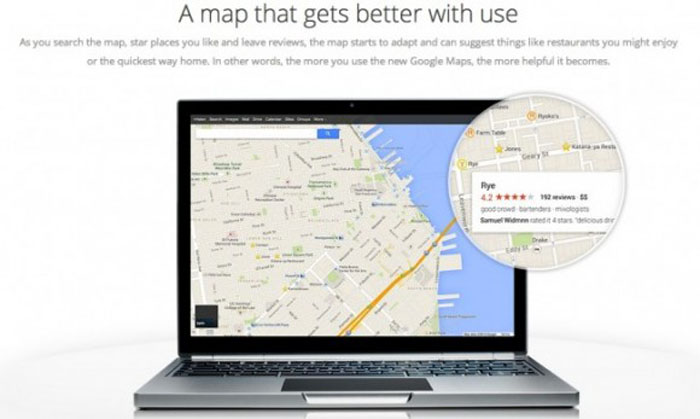
Google unveiled a brand new look for Google Maps on Wednesday. Redesigned from the ground up, the new GMaps can take you from space all the way inside a building, and everywhere in between. And first let me thank to Google for sending me an invite to try it 🙂
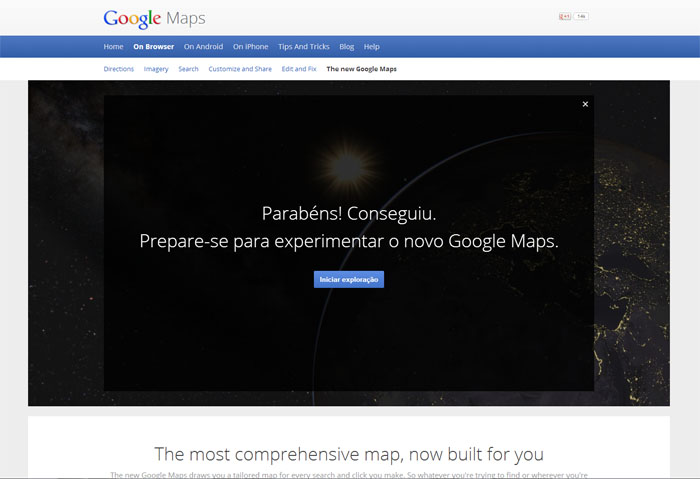
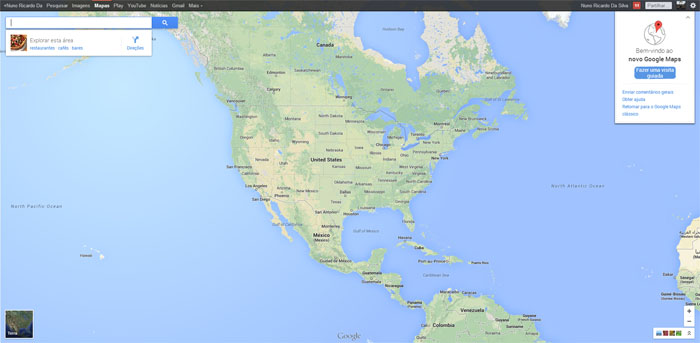
The new Google Maps will be available for the general public starting Thursday morning. Inspired by Emilly's Price post, I decided to took the service on a test drive.
A Whole New Look
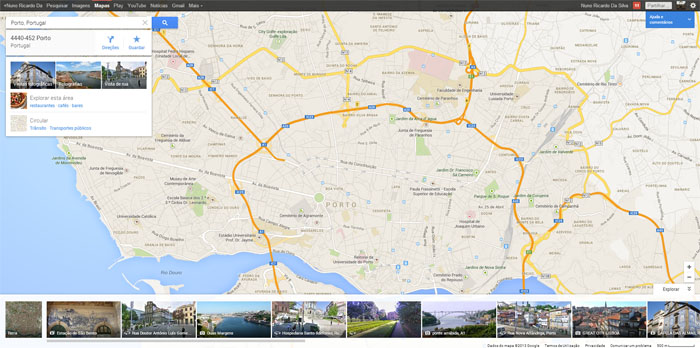 The first thing you'll notice is that now the map itself is full screen, with a number of small thumbnails at the bottom.
Rather than separate search from the map, like in the "older" version, now you can search using a small widget in the upper-left side of the screen. If you'are logged in, your last three searches automatically show up, and like before, you can type the name of a specific location/place or generic search term (i.e. "sushi restaurants") in the search box.
The results are displayed as points of interest on the map. For instance, you can see that there's a sushi restaurant near the park you’re currently walking through, or by the theater at which you plan to see a late-night movie. The map also highlight restaurants and other places reviewed by your friends, as well as those that are highly rated, in general.
You can select a business either by clicking on its name in the search box, or on a pin on the map. When you click on a pin, related roads and destinations appear on the page, helping you plan your journey. That's cool, or what?
Info Cards
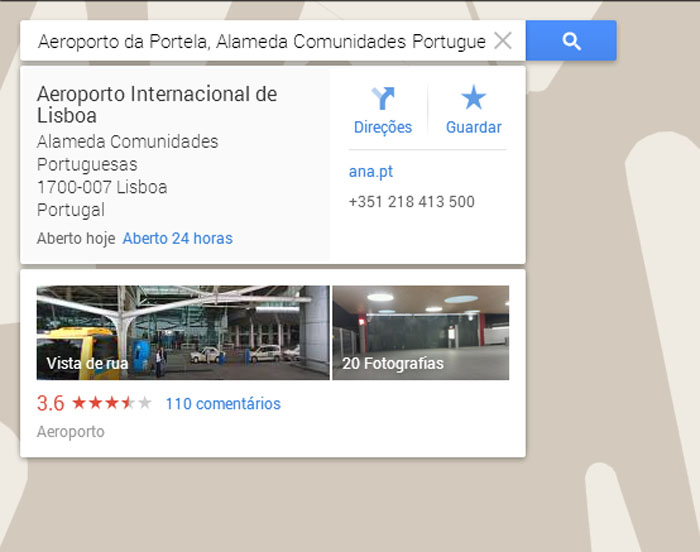
When you click on a business, Google Maps now brings up an info card right below the search box. The venue's address is displayed at the top of the card, along with its hours of operation (if this information is available). To the right, you’ll find a navigation icon for directions, a star icon to save the location for later viewing, and the business’ website URL and phone number.
There's also a Street-View photo icon, as well as the option to look up more images of a specific location.
What's more, Maps learns your preferences as you search for places, save venues and write reviews, ultimately making recommendations tailored specifically to your needs. Yes, Maps gets better with use!
A Really Spetacular Vision
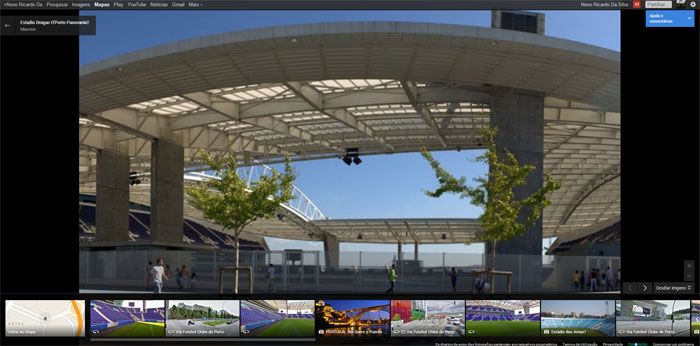
Images are really amazing in the Google Maps update. Clicking on the satellite-photo icon on the bottom of the map will bring up the Google Earth view of a particular area. You can opt to check out Street View for most areas, and for venues that support it, you can actually go inside some buildings, (Estádio do dragão is one of this buildings).
At the bottom of the page for any given location, Google features a scrolling menu of images. There are single images, as well as a series of images that you can click through for a photo tour.
The images include those that Google has taken, public images uploaded to Google+ and Picasa, as well as Photo Spheres (a 360-degree photo typically of the inside of a building) taken by Android owners.
Much Better Directions
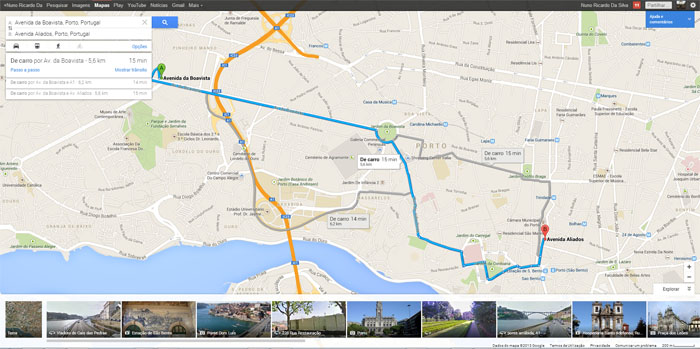
Maps offers directions for a variety of different transportation options — car, public transit, walking, biking and air(available only in some Countries) — that are displayed both in the search box and on the map itself. The “best” route is shown on the map by default.
For public transportation, you can visually compare trips based on number of transfers, walking distance and total travel time — a useful feature for anyone who has to deal with public transportation on a daily basis, and wants to make sure they're taking the quickest route possible.
Emilly Price made a video to show more in detail this new Google Maps. See it bellow:
Source: Mashable and Google Maps
Credits: Emilly Price


Leave a Reply